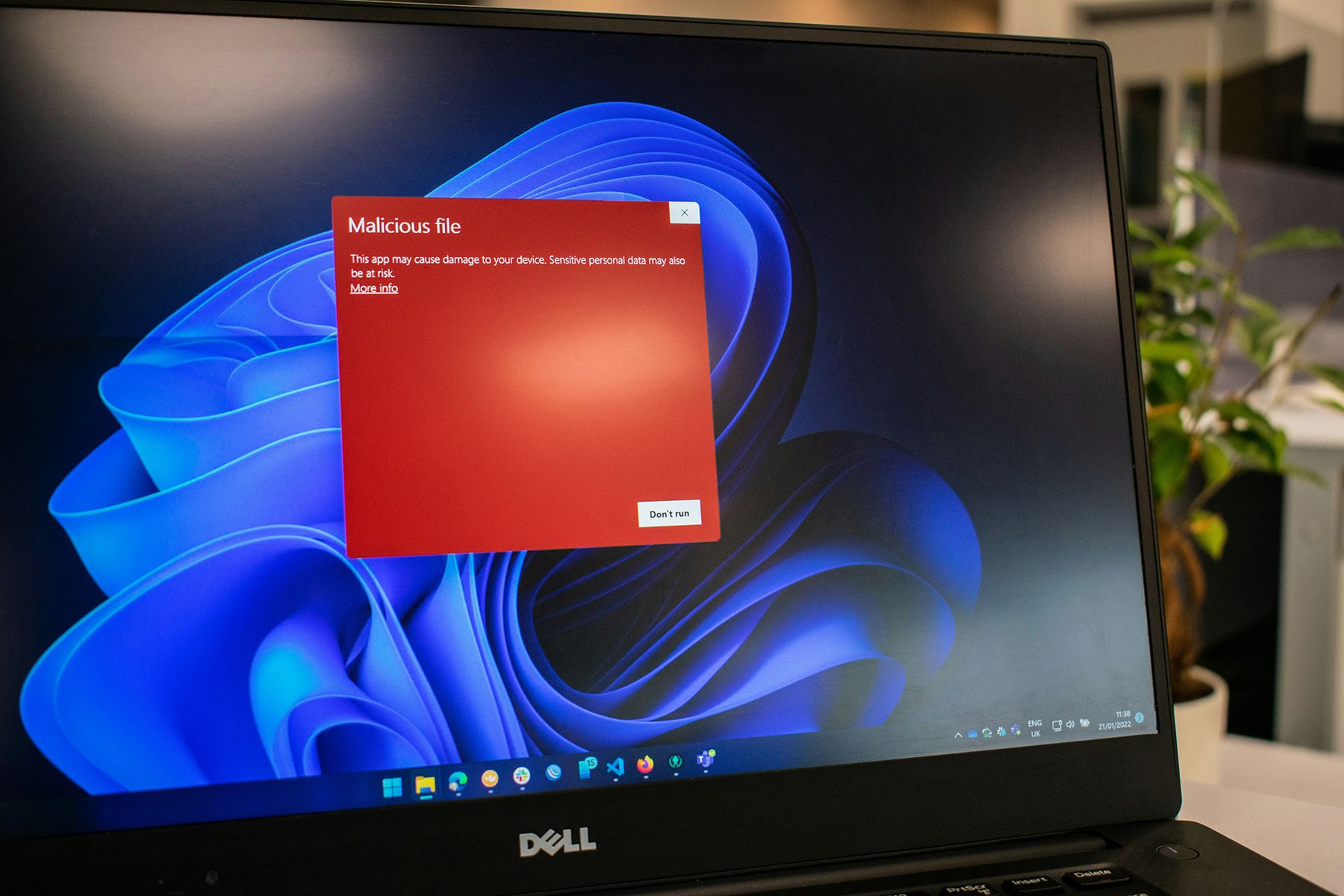
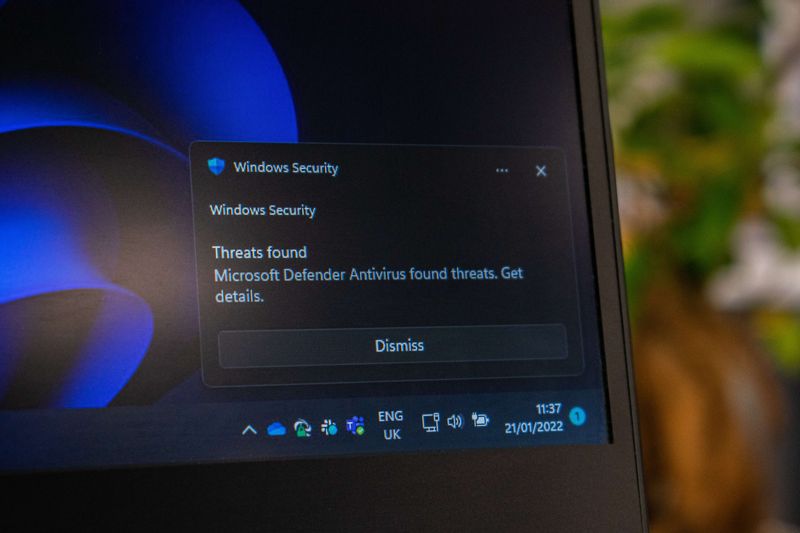
Antivirus is software that protects your device against malicious programmes, commonly known as malware. It actively monitors what happens on your system and intervenes when something suspicious is detected.
The term “antivirus” dates back to a time when computer viruses were the primary threat. Today, antivirus software protects against far more than just viruses. Think spyware, ransomware, trojans and phishing attacks.
Almost every device that connects to the internet is at risk. That includes Windows PCs and Macs, but also smartphones and tablets. An antivirus programme has therefore become a fundamental part of digital security.
Antivirus software runs continuously in the background. It scans files, checks downloads and monitors active processes. As soon as something suspicious is found, the programme blocks the threat or places it in quarantine.
There are several methods antivirus software uses to identify threats. Most modern programmes combine these methods to provide the most reliable protection possible.
This is the oldest and most widely used method. Every known form of malware has a unique digital signature, a kind of fingerprint. The antivirus programme compares files on your device against a database of known signatures. If there is a match, the file is flagged as dangerous.
The drawback of this method is that it only works against known threats. New malware that is not yet in the database will go undetected. This is why it is important that your virus scanner is updated regularly.
Rather than looking at what a file looks like, behavioural analysis focuses on what a file does. If a programme behaves suspiciously, such as secretly modifying system files or sending data without permission, the virus scanner raises the alarm.
This method is more effective against new, unknown malware. It can occasionally produce false positives, where legitimate software is flagged as suspicious.
A growing number of antivirus programmes make use of the cloud. Suspicious files are analysed on remote servers, where large amounts of data and processing power are available. This makes detection faster and more accurate.
An added benefit is that cloud-based detection places less strain on your own device. The heavy analysis happens elsewhere, while you continue working uninterrupted.
Antivirus and firewall are often mentioned in the same breath, but they are not the same thing. They are two distinct security layers that complement one another.
A firewall monitors network traffic. It determines which connections are permitted and which are blocked. This prevents unauthorised parties from gaining access to your network or device. It looks at where data comes from and where it is going, but not at its contents.
Antivirus operates at the level of files and processes. It analyses what is already on your device or coming in, and acts on anything malicious it finds.
The two work together. A firewall keeps unwanted connections out, while antivirus ensures that any malicious software that does get through is identified and neutralised. A firewall alone is not enough, and neither is antivirus on its own.
Cyber threats have increased significantly in recent years. Hackers and cybercriminals are becoming more sophisticated, and their attacks more advanced. A virus scanner is one of the most direct forms of protection against them.
Malware can enter your device in many ways. Through an email attachment, a compromised download, a fake website or even a USB drive. Without antivirus software, you often only realise something is wrong once the damage has already been done.
The consequences can be severe. Ransomware can lock all your files and demand payment. Spyware can steal passwords and banking details. A trojan can take remote control of your device. These are not hypothetical scenarios but daily realities for millions of users across the world.
A virus scanner significantly reduces that risk. It runs in the background, requires little attention and provides continuous protection. For both individuals and businesses, it is not a luxury but a necessity.
Free antivirus software exists and can offer basic protection. For the average user, that is sometimes sufficient. There are, however, important differences compared to paid alternatives.
Free programmes typically offer only core functionality: malware scanning and real-time protection. Additional features such as a VPN, password manager, phishing protection or parental controls are often absent. Updates and customer support tend to be more limited with free versions as well.
Paid antivirus offers broader protection. Not just against viruses, but also against identity theft, unsecured Wi-Fi networks and data breaches. For users who frequently bank online, store sensitive files or run a business, that extra layer is worth the investment.
Privacy is another consideration with free software. Some free providers fund their product by collecting and selling user data. It is worth reading the privacy terms carefully before installing a free virus scanner.
The right choice depends on your situation. For a home user with limited internet activity, free may be sufficient. For anyone doing more online or working professionally, a paid package is the wiser option.
There are dozens of antivirus programmes on the market. The choice can feel overwhelming. There are, however, a number of concrete criteria you can use to make a well-informed decision.
This is the most important criterion. A virus scanner must reliably detect malware without slowing down your system. Independent testing organisations such as AV-TEST and AV-Comparatives regularly evaluate antivirus software on detection accuracy and performance. Their reports are freely available and provide an objective overview.
Not every virus scanner works on every device or operating system. Check whether the programme is suitable for your setup, whether that is Windows, macOS, Android or iOS. Some packages offer licences covering multiple devices at once, which is useful if you want to protect more than one device.
A good virus scanner works in the background without requiring constant attention. The interface should be clear and notifications should be straightforward and easy to understand. Too many or confusing alerts lead to frustration and are eventually ignored.
Antivirus software is typically sold as an annual subscription. Compare not just the price, but also what is included in the package. A cheaper option without phishing protection or technical support is not always the smarter choice.
Many paid packages include more than just a virus scanner. Think of a built-in VPN, a password manager, safe browsing tools or identity theft protection. Consider which features are relevant to you and choose a package accordingly.
Installing an antivirus programme is straightforward. Most programmes are up and running within a few minutes. There are, however, a few steps best taken in the right order.
Start by downloading the software from the provider's official website. Avoid downloads through third parties or unknown websites. Ironically, fake antivirus programmes are themselves frequently used to distribute malware.
Once installed, run a full system scan straight away. This checks whether your device is already infected before active protection begins. Depending on your device and the number of files, this can take anywhere from twenty minutes to an hour.
Make sure automatic updates are enabled. The database of known threats is updated daily. Without updates, your virus scanner will miss the latest threats.
Also ensure real-time protection is switched on if it is not enabled by default. This means files are scanned at the moment you open or download them, rather than only during scheduled scans.
Finally, it is worth scheduling periodic scans. A full scan once a week is sufficient for most users. This helps catch any threats that may have slipped past real-time protection.
Antivirus is a strong foundation, but it is no guarantee of complete security. Online protection works best when you combine multiple layers. Below are the most important additions.
A firewall monitors the network traffic to and from your device. Most operating systems include a built-in firewall. Check that it is active and leave it switched on. Combined with antivirus, you cover both the network and file level.
A VPN encrypts your internet connection and hides your IP address. This is particularly useful on public Wi-Fi networks, such as in a café or at a train station. Without a VPN, others on the same network may be able to intercept your internet traffic.
Many people use the same password across multiple accounts. That is a significant risk. A password manager generates and stores strong, unique passwords for each account. You only need to remember one master password.
Outdated software often contains vulnerabilities that attackers exploit. Keep your operating system, browser and apps up to date. Most updates include security patches that fix known weaknesses.
Technical measures help, but human behaviour remains a crucial factor. Do not click on links in emails without thinking, avoid downloading software from unknown sources and be careful about what you share online. Many attacks succeed not because the software failed, but because someone unknowingly left the door open.
Antivirus is not an optional extra. It is an essential part of digital security, for individuals and businesses alike. Cyber threats are growing in complexity, and the consequences of an attack can be significant. A good virus scanner reduces that risk considerably.
The best antivirus is one you barely notice. It runs quietly in the background, stays up to date and steps in when needed. Combine that with a firewall, strong passwords and mindful online behaviour, and you have a solid foundation for staying safe online.
At Tuple, we understand that digital security goes beyond software alone. Whether it is secure software development, reliable systems or tailored advice, we help businesses use technology responsibly.
Yes. Cyber threats such as ransomware, spyware and phishing are still very much a daily reality. An antivirus programme provides active protection and detects malicious software before it can cause damage. Even on modern operating systems with built-in security, a dedicated virus scanner adds an important extra layer of protection.
Antivirus software continuously scans files, downloads and active processes on your device. It uses several methods to do this: signature detection compares files against a database of known malware, behavioural analysis looks for suspicious activity from programmes, and cloud-based detection analyses threats on remote servers. If something suspicious is found, the software blocks or isolates the threat immediately.